This category works differently from every other one on the site, and the difference is worth stating before anything else. Nothing here is a recommendation that a given remote will be accepted by your opener. What each entry offers is a record of which opener model numbers the seller printed in their own listing text, and a set of steps for checking that against your own hardware before you spend anything.
The decision is not which remote is better made. It is which listing names your opener model number in its own description, and whether you have read that number off the motor unit rather than off the handset you lost. Those are two different part numbers, and searching on the wrong one returns results that look relevant and answer a different question. The comparison table below shows exactly how many model numbers each listing names and which extra detail, if any, it gives.
Working from what you know to what you can buy
What you have
What to do with it
What it will not settle
The number off your old remote
Note it, then go and find the opener number as well
Which openers accept that remote
The opener model number from the motor unit
Search on it and read listing descriptions for the literal string
Whether the opener has memory positions free
The Learn button color
Place the opener in a documented generation, and check the antenna wire agrees
Which specific replacement is accepted
A Genie opener
Use the model number and Genie programming documentation
Anything from the Chamberlain color chart, which does not apply
The lineup
8 items
Names the most models
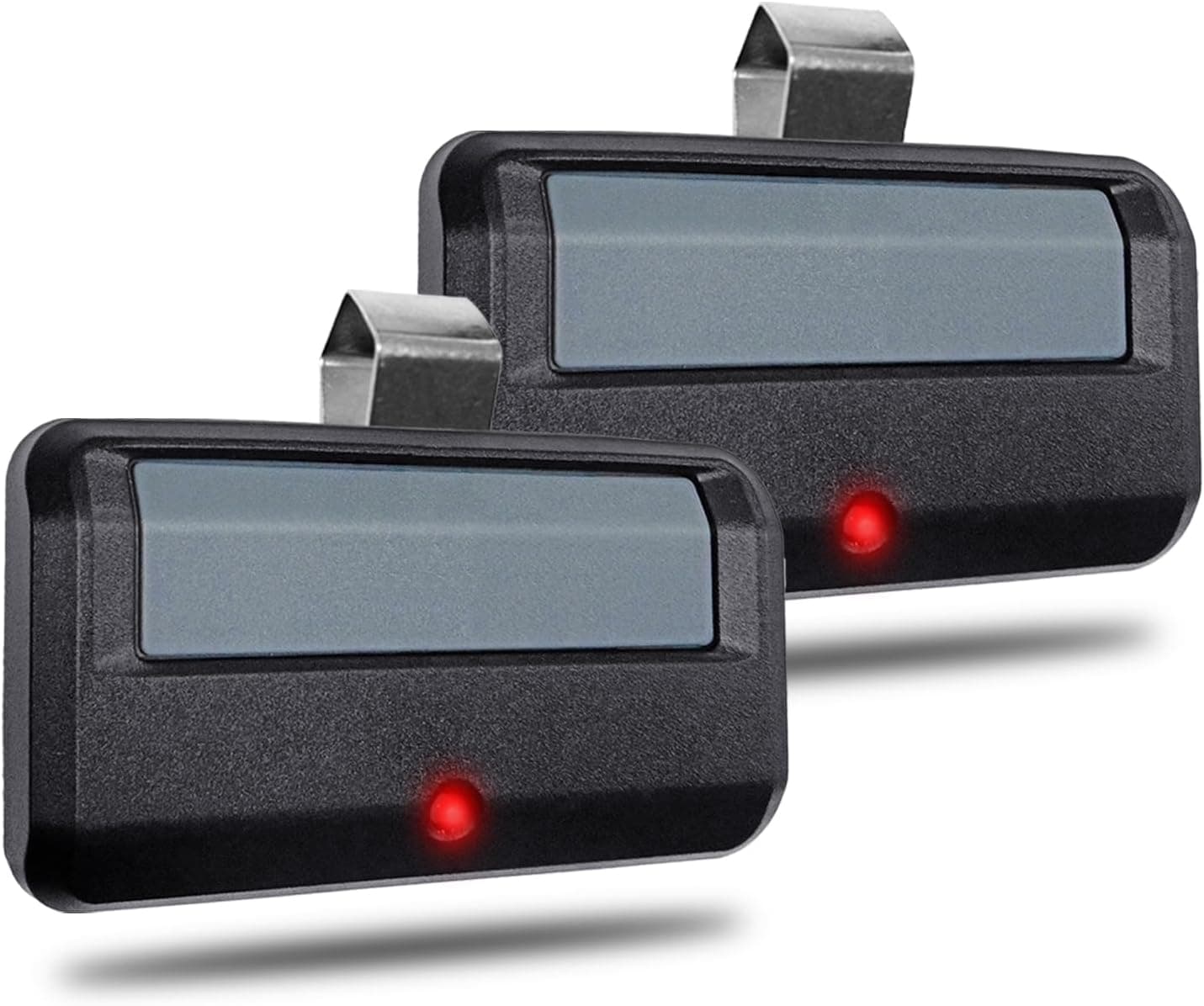
Chamberlain-Compatible Remote, 2-pack
Pack
2
Models named
8
Family
Chamberlain group
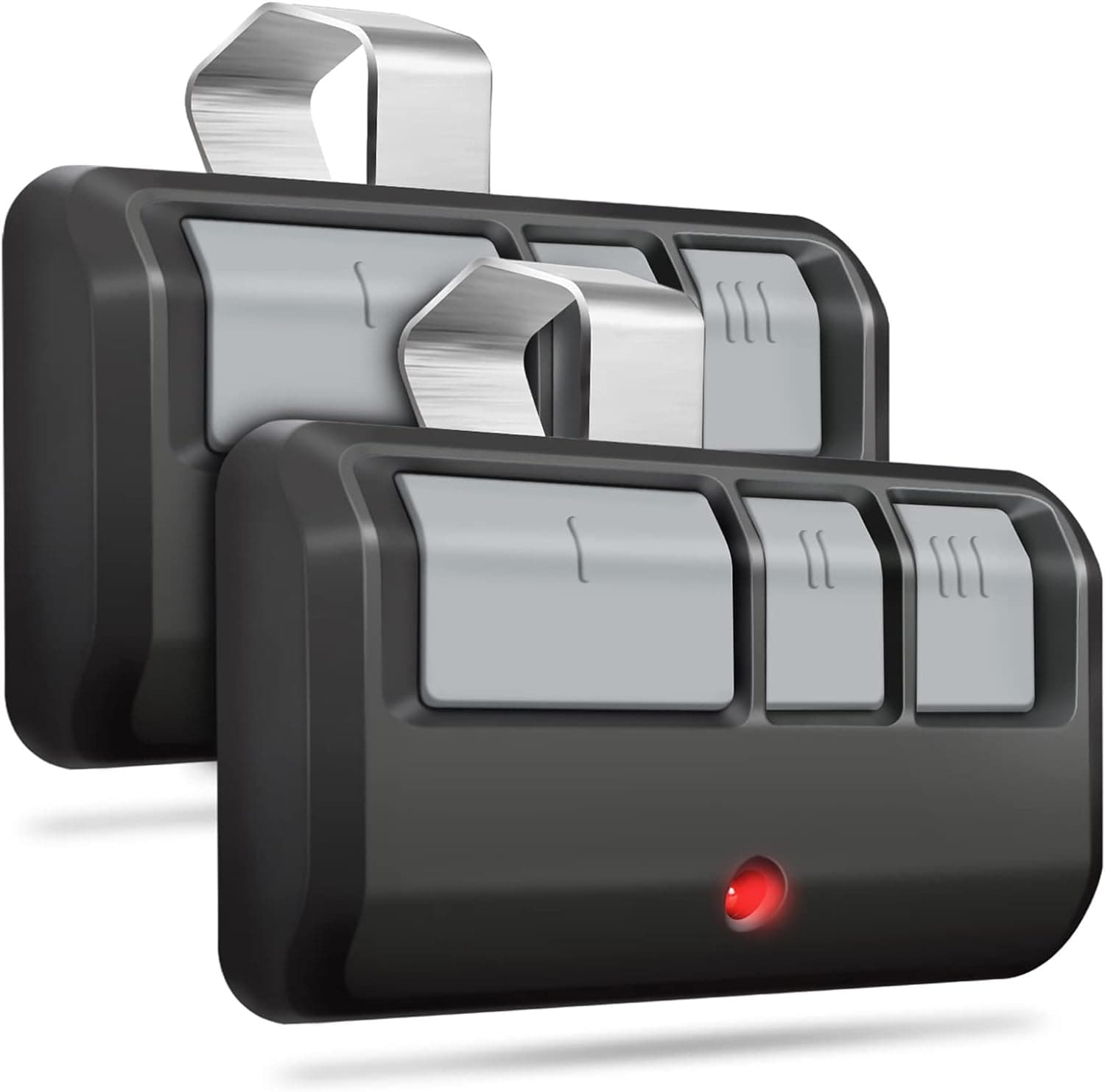
A keyless entry remote sold in a two-pack. Its listing states 891LM, 893LM, 893MAX, 370LM, 371LM, 373LM, 971LM and 973LM, which is eight model numbers and more than any other listing collected for this site. For the job this category exists to do, replacing a lost remote with something the opener accepts, the number of models a seller is prepared to name in writing is the most useful thing on the page.
Names eight opener model numbers in its own text, the most of anything here
Sold as a pair, which covers a second vehicle or a spare
The only listing naming 370LM, so it is the sole entry for that model
Every model it names has a page on this site with the verify steps
A listing naming eight numbers has expressed no view on any of them individually
The listing states no frequency, so that has to come off your opener label
Naming a model is a seller claim and not a manufacturer statement
Best forReplacing a handheld remote when you have read your opener model number off the motor unit and it is one of the eight named.
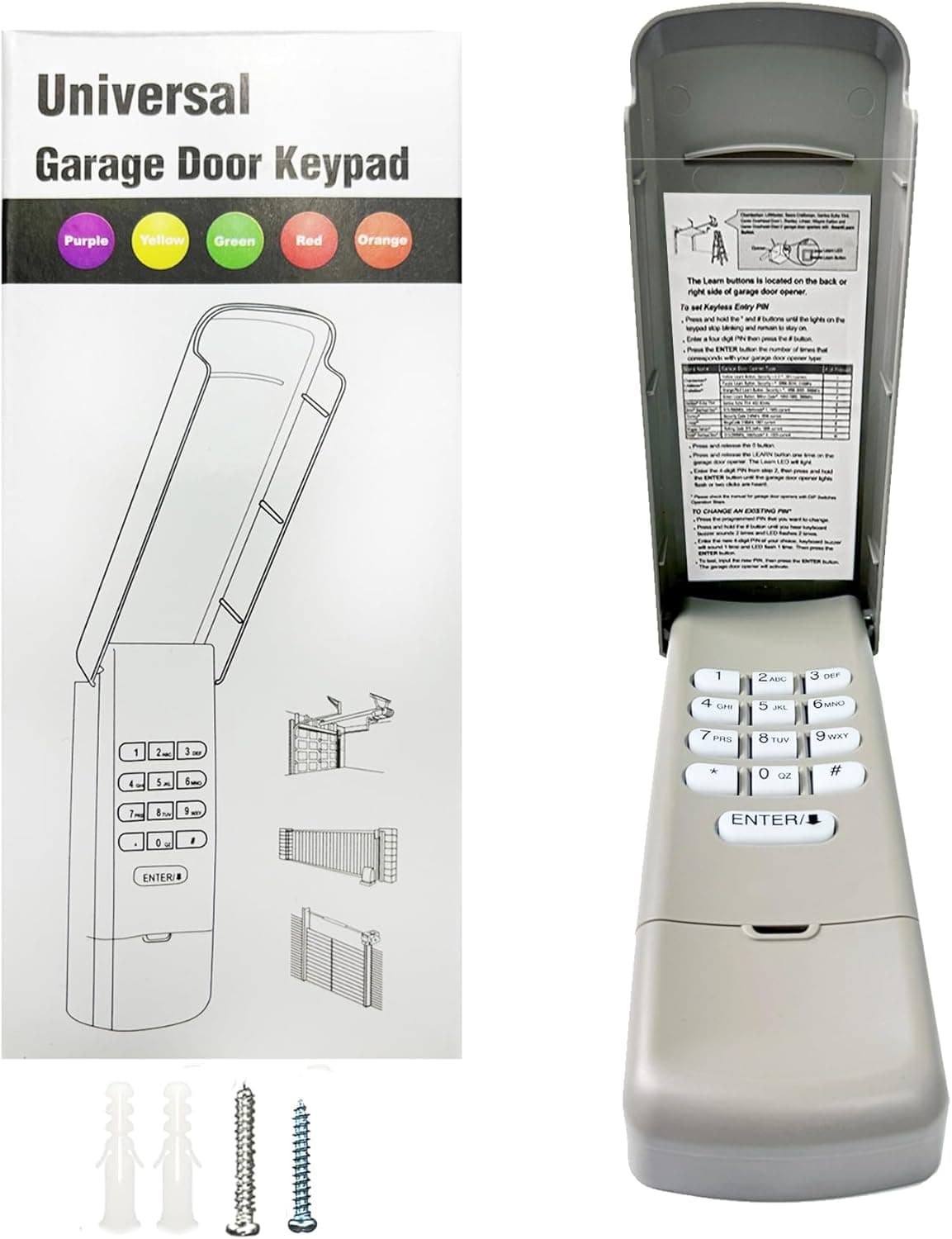
A wireless keyless entry keypad. Its listing states 877MAX, 878MAX, 377LM, 977LM and 66LM, plus the Wayne Dalton brand, and describes itself in terms of openers made since 1993. Five of the six keypad-side entries in this site index exist because of this one listing, which is worth knowing when you weigh how independent the evidence is.
Names five keypad model numbers, the widest keypad claim collected here
The only listing here that names any Wayne Dalton product at all
Keyless entry means no handset to lose, which is the failure that starts this search
A date-range claim gives you something to check your opener label against
A since-1993 claim is a range the seller asserts, not a list of models
Five index entries resting on one listing is thin, single-source evidence
It names Wayne Dalton as a brand without naming a single Wayne Dalton model number
Best forReplacing an outside keypad, once you have matched your opener model number against the five it names.
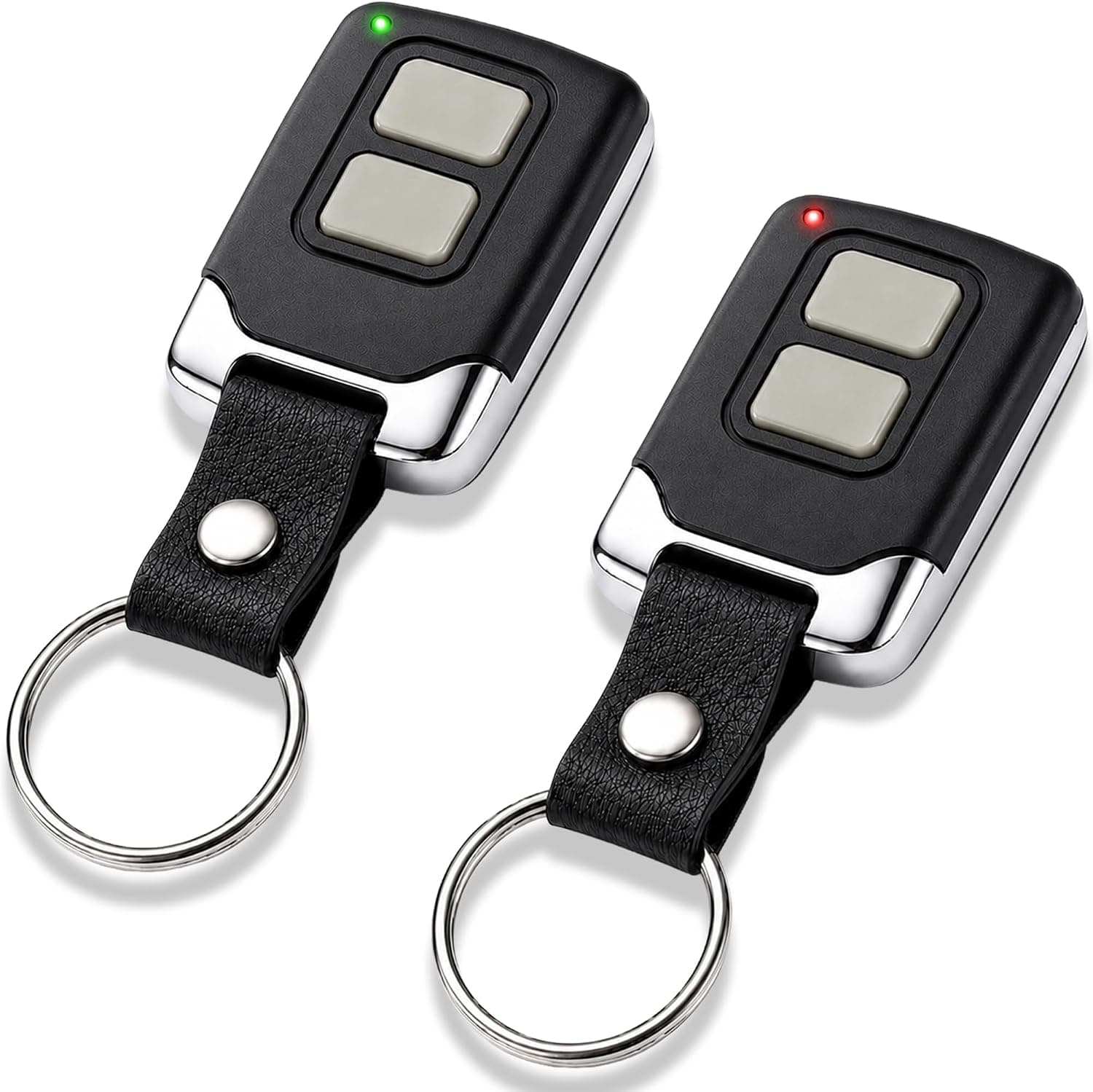
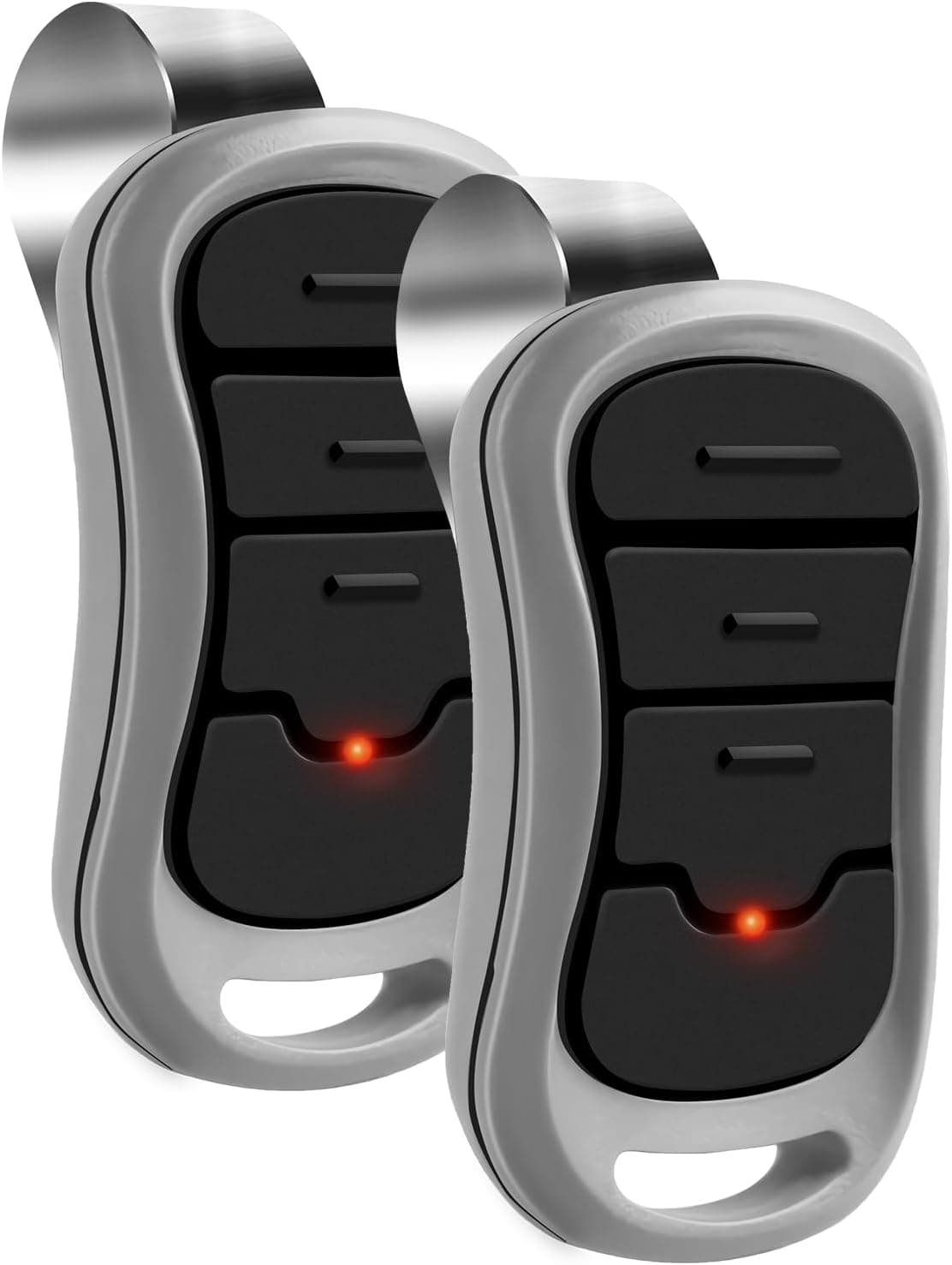
A two-button keychain remote sold in a two-pack. Its listing states 893LM, 893MAX, 373LM and 973LM, and it is the only listing collected for this site that also names Learn button colors, printing yellow, purple, red or orange, and green. It does not say which color goes with which model number, so treat the colors as the generation the seller has in mind rather than as a pairing.
The only listing here that names Learn button colors at all
Keychain format means it travels with you rather than staying in one vehicle
Names four model numbers, each of which has a page here
Sold as a pair, so a household covers two people
The colors are printed as a group with no pairing to any model number
Two buttons, so it will not cover a second door and a light
A keychain remote is easier to lose than a visor clip, which is how this started
Best forSomeone who has checked the Learn button color and wants a listing that at least acknowledges it exists.
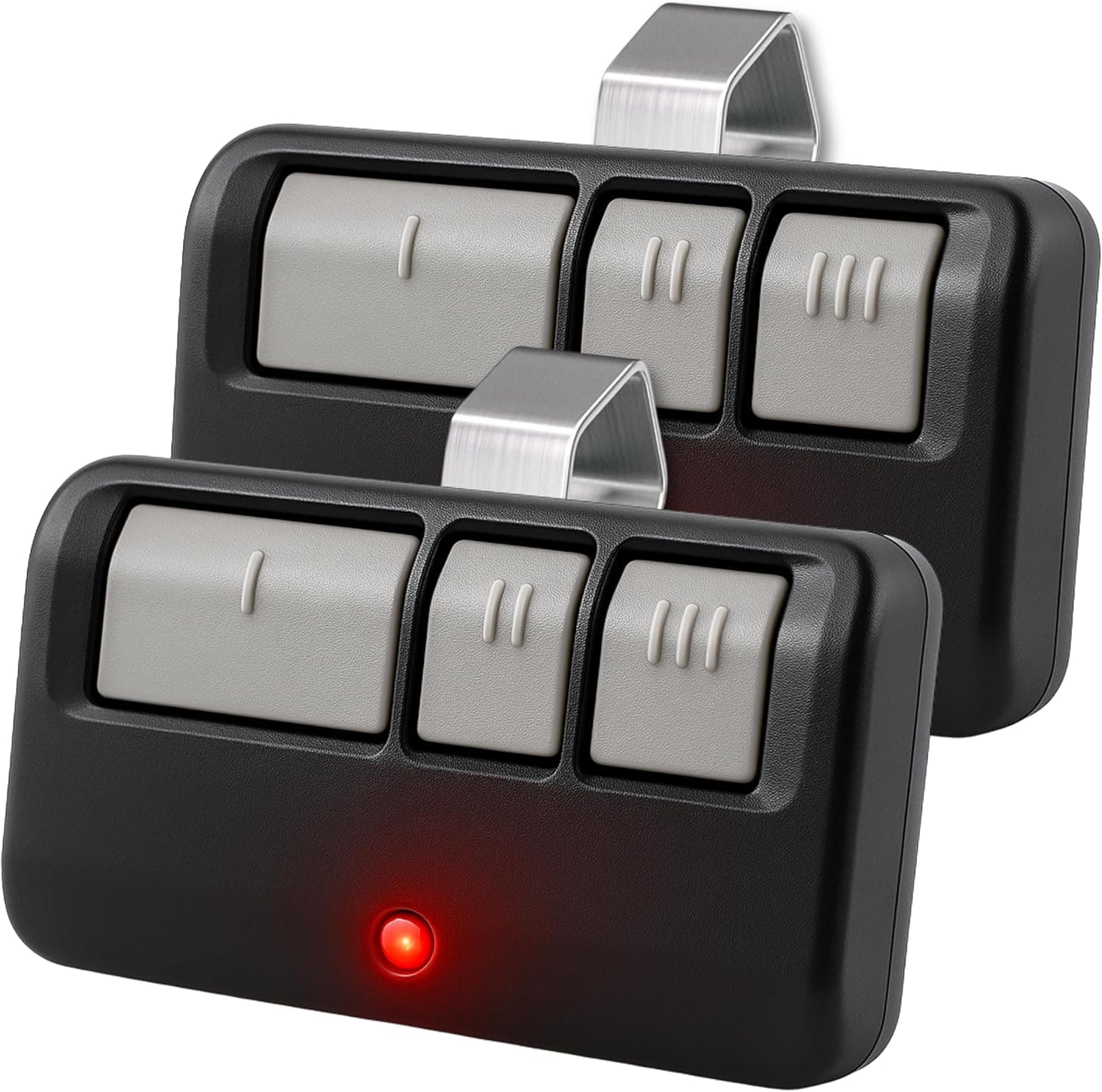
A self-programming three-button remote sold in a two-pack, with extra-long range claimed. Its listing states 893LM, 893MAX, 891LM, 371LM, 373LM, 971LM and 973LM, which is seven model numbers, second only to the eight-model listing in this category. Three buttons is the practical difference: two doors and a light, rather than one door.
Names seven opener model numbers in its own text
Three buttons covers two doors plus a light or a gate
Self-programming, so no separate programming tool is involved
Sold as a pair for a two-vehicle household
Extra-long range is claimed without any distance figure to check
Names no frequency, so the Learn button color remains your only clue
Seven numbers in one list means no statement about any one of them
Best forA household with more than one door or a gate, where a single-button remote would mean carrying two.
A multichannel rolling code remote sold in a two-pack, with long distance claimed. Its listing states 893LM and 893MAX and nothing else, which makes it the narrowest of the Chamberlain-group remotes here. A narrow claim is not a weaker one: two numbers named specifically is a more focused statement than eight named in a list.
Names its two model numbers specifically rather than in a long list
Rolling code is stated, which is a description of the coding rather than a slogan
Multichannel, so more than one door is in scope
Sold as a pair
Only two model numbers named, so it covers the least ground here
Long distance is claimed with no figure attached
Neither the frequency nor a Learn button era is stated
Best forAn opener you have already identified as 893LM or 893MAX, where a focused claim beats a long list.
A G3T-R remote sold in a two-pack, stating FCC certification and a three-year warranty, and naming Genie Intellicode openers along with G3T-BX. Because this listing is for the part itself rather than merely referencing it, what it says about the part is more direct than most entries in this category. FCC certification is a checkable fact rather than a marketing line.
The listing is for the part itself, not a universal referencing it
FCC certification is stated, and an FCC ID can be looked up against a federal record
A three-year warranty is stated, which is longer than anything else here claims
Covers the Genie side, which most of this category does not touch
Intellicode is a family name, so the claim is broader and less specific than a model list
It names G3T-BX without being a G3T-BX, which is a reference rather than a replacement claim
Genie openers use a program button, so the Learn color chart offers no help here
Best forA Genie opener that Genie documentation places in the Intellicode family, where you want the part rather than a universal.
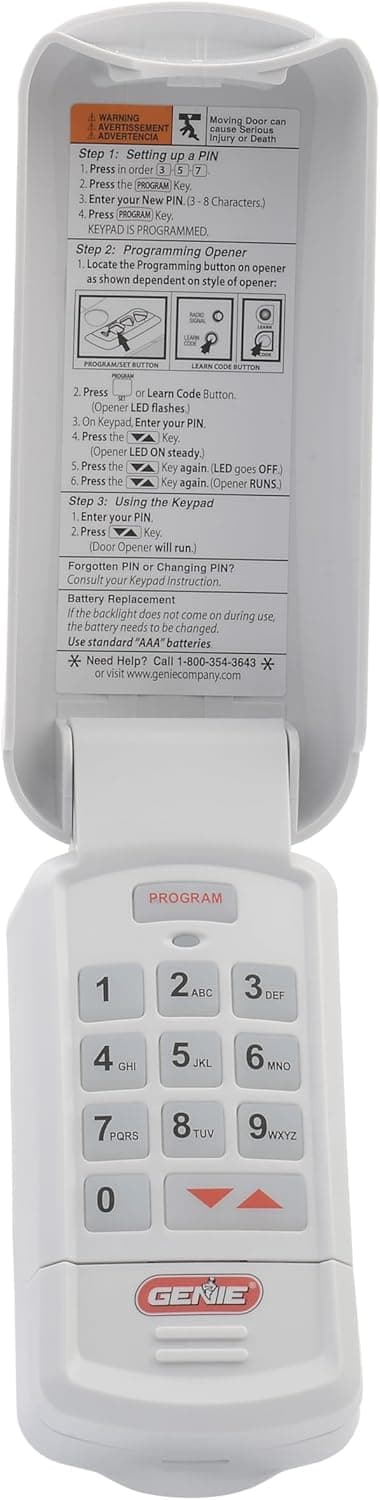
A Genie GK-R keypad with PIN entry behind a flip-up cover, stating that it covers all Genie Intellicode openers. A flip-up cover is a small thing that matters on an outside wall, because the keys are what weather and freeze. The claim is family-level rather than model-level, which is broader ground covered less precisely.
A flip-up cover protects the keys from weather on an outside wall
PIN entry removes the handset from the problem entirely
The listing is for the named part rather than a universal referencing it
Covers the Genie keypad side, which nothing else here does
A whole-family claim names no individual opener model number
Genie programming is documented per model, so the family claim still needs checking
Keypads mounted outside are exposed to weather that a garage remote never sees
Best forKeyless entry on a Genie opener, once Genie documentation confirms your model is an Intellicode unit.
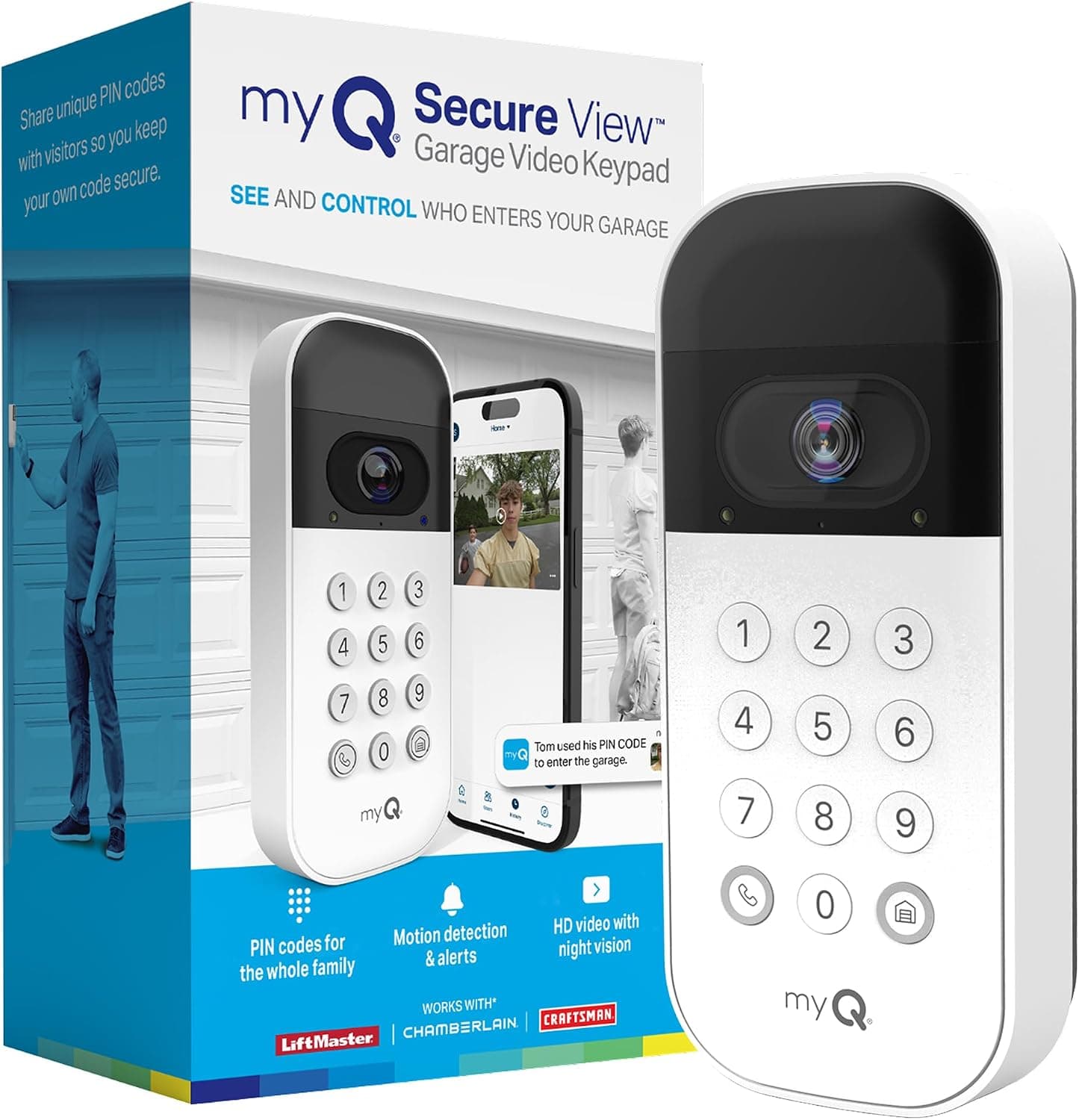
A keypad with a wide-angle camera, custom PIN codes and smartphone control. Its listing names Chamberlain, LiftMaster and Craftsman as brands and does not name a single opener model number, which makes it the least specific compatibility claim in this category. It is also doing considerably more than the other entries, since a camera and an app are not what the rest of this list is for.
Custom PIN codes mean access can be given and taken away without keys
A camera at the door is a function nothing else in this category offers
Smartphone control removes the need to be at the door at all
Three brand families named, which is broad even if it is not specific
Names no opener model number at all, only brand names
A connected device brings an account, an app and a network dependency
A camera and app raise privacy questions that a dumb keypad does not
Best forSomeone who wants access control and a camera rather than a like-for-like keypad replacement.
Format, and exactly which model numbers each listing names
Item
Format
Model numbers named
Learn colors named
Chamberlain-Compatible Remote, 2-pack
Remote
8
0
Universal Wireless Keypad
Keypad
5
0
Universal 2-Button Keychain Remote, 2-pack
Remote
4
4
Universal 3-Button Remote, 2-pack
Remote
7
0
CreaCity Universal Remote, 2-pack
Remote
2
0
Avisontek G3T-R Genie Remote, 2-pack
Remote
3
0
Genie GK-R Wireless Keypad
Keypad
2
0
myQ Smart Garage Video Keypad
Keypad
0, brands only (Chamberlain, LiftMaster, Craftsman)
0
Before you trust this
The number printed on your remote and the number on the opener motor unit are different things. A listing naming your old remote has said nothing about your opener.
A listing naming several models in a family has named those models and nothing else. A shared LM or MAX suffix is a naming convention, not evidence of anything.
Programming a remote means working at the motor unit, usually on a ladder, with the door mechanism live. Do that with the door closed and nobody standing under it.
Nothing on this site is a manufacturer statement about your opener. Where a listing is silent, this site is silent too.
Lifespan and care
Remote batteries fail in cold weather first. A remote that works indoors and not in a January driveway usually needs a cell, not a replacement.
Outside keypads take weather that a visor remote never sees. A flip-up cover is the difference between keys that work in year five and keys that do not.
Program a spare before you need one. Programming requires access to the Learn button on the motor unit, which is exactly what you cannot reach when the only remote has died.
Keep the listing text you bought against. If a part does not program, what the seller stated is the basis of the return.
On a label on the motor unit bolted to the ceiling, usually on the side or the end of the housing so it faces sideways rather than down. It typically carries the model number, a serial number and a manufacture date. Photograph it rather than transcribing it.
Does the Learn button color tell me which remote to buy?
No. Chamberlain Group documents what each color indicates about technology, frequency and era, which places your opener in a generation. It does not identify a replacement part, and the documented year ranges overlap at their edges.
A listing names a model close to mine. Is that good enough?
No, and this site will not treat it as good enough either. Model numbers in one family share suffixes because of how the maker names products, not because they behave the same way. If your number is not printed, the question is unanswered.
What if no listing names my opener at all?
That is an absence of information rather than a verdict. Go to the manufacturer support documentation for your opener model, and use the FCC ID on the opener label to confirm the certified frequency from a federal record.